That USB Drive You Found Could Be a Security Threat
/
Article summary: An unknown USB drive can expose a business to malware and other security threats when an employee plugs it into a work computer. Clear policies, employee awareness, and device controls can reduce the risk by keeping untrusted USB devices away from company systems.
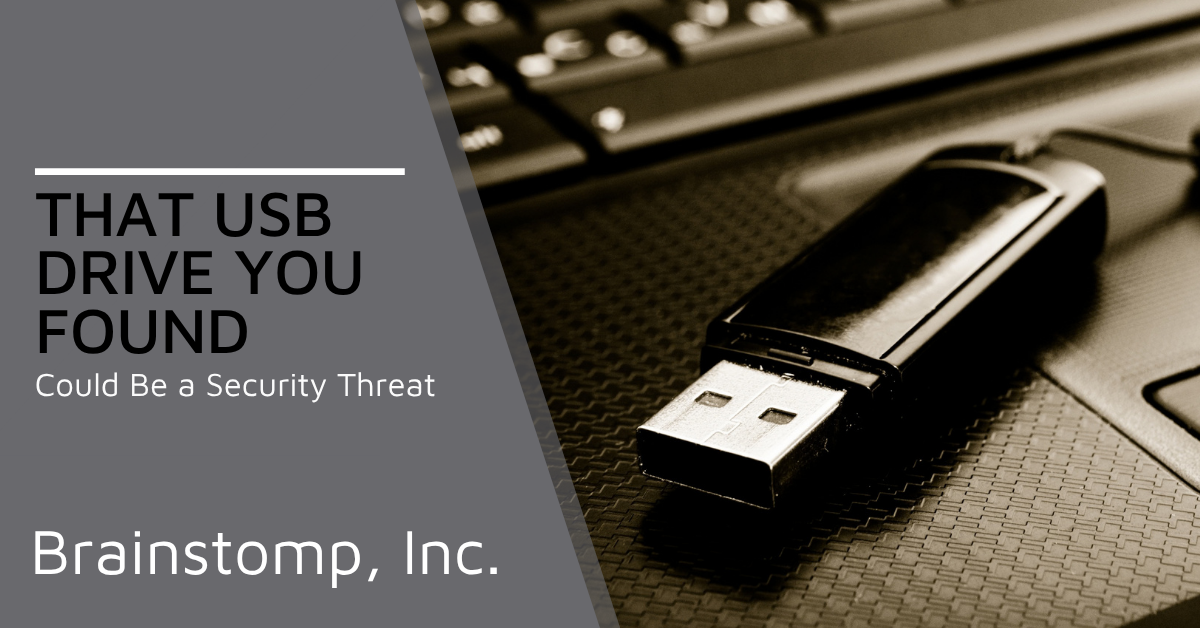
A small black USB drive is sitting in the parking lot, just a few steps from your office door. Someone on your team picks it up and decides to plug it in to see if they can figure out who it belongs to.
That simple decision could put your business at risk.
USB drop attacks take advantage of curiosity and good intentions. A malicious USB device may contain malware or be designed to compromise a computer once it is connected.
That’s why protecting your business computers also means thinking about what employees plug into them.
Why People Plug in Drives They Find
You might assume only careless employees would plug in a USB drive they found on the ground. Research suggests the motivation is often much more innocent.
In a 2016 study involving researchers from the University of Illinois, University of Michigan, and Google, researchers scattered 297 USB drives across a university campus. Files were opened on 45% of the drives, and the first drive was connected in less than six minutes.
Most survey respondents who plugged in a drive said they were trying to return it to its owner. Curiosity also played a role, with some users opening files such as vacation photos before looking for information that could identify the owner.
That’s what makes USB drop attacks effective. They don’t necessarily depend on careless employees. They can take advantage of ordinary curiosity and the instinct to help someone who appears to have lost something.
What a Malicious USB Drive Can Actually Do
A malicious USB drive does not have to look suspicious. It just has to convince someone to plug it in.
Hide Malware Behind Ordinary-Looking Files
A USB drive can contain malicious files disguised as documents employees expect to see.
In 2026, Microsoft researchers documented a USB-spreading worm that hid legitimate documents and created malicious shortcuts using the same filenames.
When someone opened one of those shortcuts, the malware launched instead. The worm could then spread to newly connected USB drives, while another component targeted cryptocurrency wallet information and other sensitive data.
Pretend to Be a Keyboard
Some malicious USB devices do not behave like storage drives at all. They can identify themselves to the computer as a keyboard and automatically enter commands once connected.
That can allow an attacker-controlled device to launch scripts, download malware, or make other changes without waiting for someone to open a suspicious file.
What to Do When Someone Finds a USB Drive
The safest rule is simple: if you don’t know where a USB drive came from, don’t plug it into a work computer just to see what’s on it or figure out who owns it.
Give employees a clear process to follow:
Don’t plug it in. That includes spare work computers and personal devices.
Give it to IT. Let whoever manages your technology decide how it should be handled.
Be cautious with unexpected USB drives in the mail. Professional packaging or an official-looking letter does not guarantee the device is safe.
Report it immediately if someone already plugged it in. Disconnect the computer from the network and contact IT so they can determine what happened.
Promotional USB drives from conferences and trade shows deserve some caution, too. If you cannot verify where a drive came from or whether it can be trusted, there is no reason to connect it to a business computer.
Backing the Rule Up with Technology
Employees should know not to plug in unknown USB drives, but technology can provide another layer of protection when someone makes a mistake.
Microsoft Defender for Endpoint includes device control features that can restrict how removable devices are used. Depending on your needs, IT can block removable storage, limit access to approved devices, or control whether users can read or write files.
Endpoint protection should also be installed and kept up to date on every business computer, starting with how new laptops and PCs are set up.
Finally, give employees better ways to move and share files. Approved cloud storage can reduce the need for USB drives in everyday work. Combine those safeguards with cybersecurity habits your team actually follows, and employees are less likely to reach for an unknown device in the first place.
Are Your Computers Protected from Unknown USB Drives?
A USB drive found in a parking lot may seem harmless, but plugging an unknown device into a work computer can expose your business to malware and other security threats.
A simple rule, an easy reporting process, and the right device controls can reduce that risk without getting in the way of everyday work.
BrainStomp can help you review how removable devices are handled across your business, strengthen endpoint security, and put safeguards in place to keep unknown USB drives off your network.
Contact BrainStomp or call 260-918-3548 to get started.
Article FAQs
Is it safe to plug in a USB drive I found?
No. An unknown USB drive could contain malicious files or behave like another type of device when connected. Give it to IT rather than plugging it in to identify the owner.
Can a USB drive attack a computer without opening any files?
Yes. Some malicious USB devices can impersonate a keyboard and automatically enter commands after they are connected. That’s why employees should avoid plugging in unknown devices at all.
What should I do if someone already plugged in a found USB drive?
Disconnect the computer from the network and contact IT immediately. Avoid using the computer until IT has checked it for suspicious activity.